
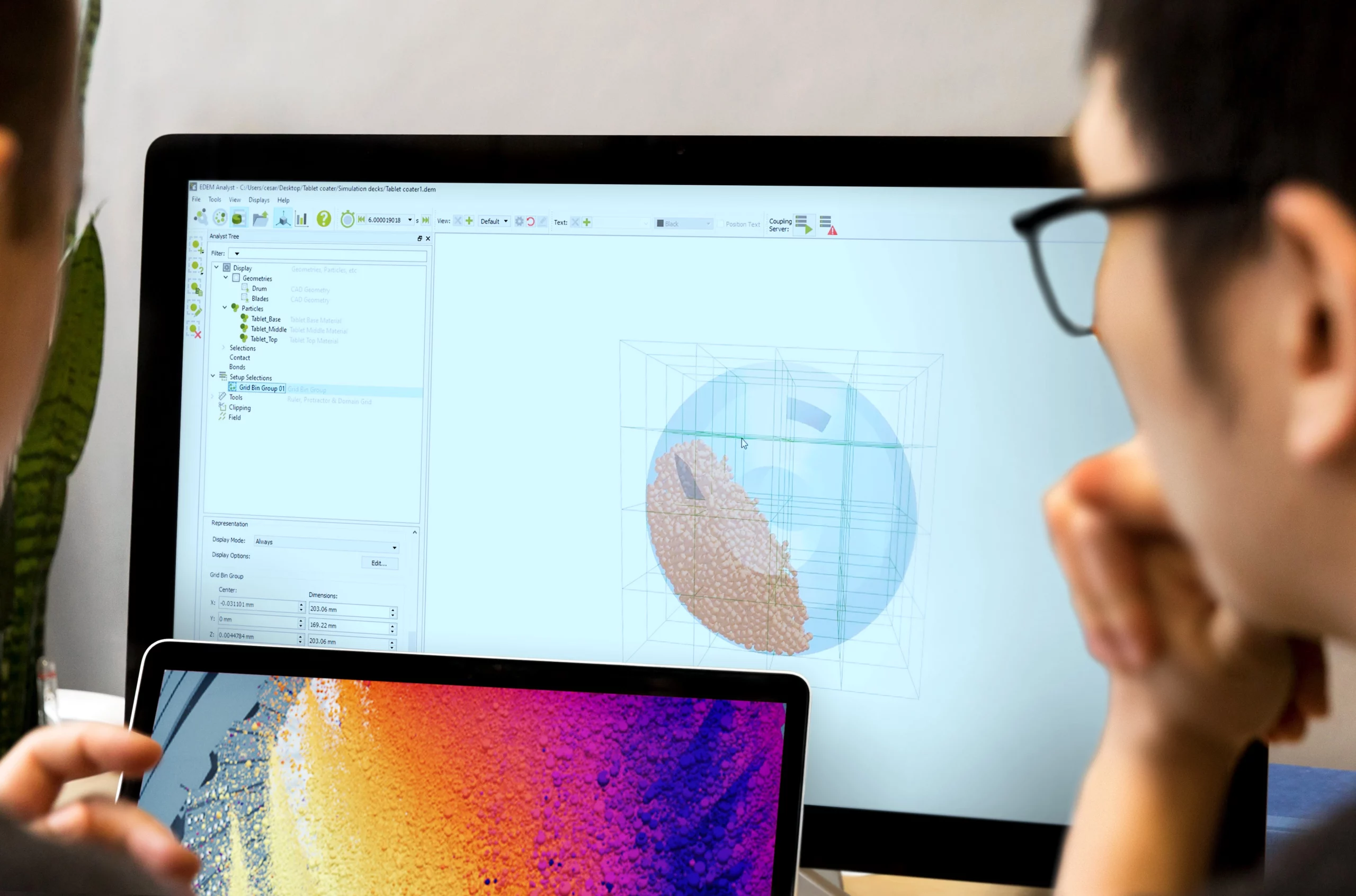
If you’ve launched your simulation software recently and noticed a different name in the title bar, you’re not imagining things. The Altair products you’ve relied on for years now carry Simcenter branding.
In March 2025, Siemens completed its acquisition of Altair Engineering. As part of the integration, all former Altair simulation and analysis products have been brought under the Simcenter brand, with the new names officially taking effect on 1 January 2026. The solvers, meshing engines, and analysis workflows you rely on haven’t changed. If you search for “Altair HyperMesh” and land on a page titled “Simcenter Hypermesh,” it’s still the same tool.
Why Did Altair’s Products Get New Names?
Siemens has integrated Altair’s simulation, AI, and high-performance computing tools into its Siemens Xcelerator platform. The name changes align the former Altair products with this broader portfolio so that everything sits under a consistent brand architecture.
This isn’t the first time Siemens has taken this approach. Previous acquisitions brought LMS, CD-adapco, and Mentor Graphics under the Simcenter umbrella. In each case, the integration connected previously separate tools into unified workflows for system simulation, CFD, structural analysis, and physical testing. The Altair integration follows the same pattern.
According to Siemens’ official rebranding guide, the changes focus on naming, packaging, and integration. As Siemens put it: the rebranding is “designed to be additive, not disruptive.”
How Do the New Names Work?
The former Altair portfolio splits into three groups under Siemens:
Simulation and design tools (the largest group): All products from the Altair HyperWorks platform now sit under the Simcenter portfolio. This includes pre-processors, solvers, optimisation tools, and design exploration software.
High-performance computing: Products from the Altair HPCWorks platform keep the HPCWorks name, just without the “Altair” prefix. So Altair PBS Professional becomes HPCWorks PBS Professional.
Data analytics and AI: Products from the Altair RapidMiner platform keep the Rapidminer name (note the lowercase “m”), again without the “Altair” prefix.
A few naming conventions also changed across the board. CamelCase is gone: “HyperMesh” becomes “Hypermesh,” “SimSolid” becomes “Simsolid,” and “OptiStruct” becomes “Optistruct.” Every product name now uses standard capitalisation with only the first letter uppercase.
“Siemens” doesn’t appear in any product name. The hierarchy is Simcenter + product name (for example, Simcenter Hypermesh software).
Most products now carry ™ rather than ®, because Siemens has strict registration requirements across multiple countries and categories. You’ll see the correct symbol for each product in official documentation.
One other notable change: the HyperWorks portfolio name itself has been retired. Individual products that were bundled under HyperWorks are now referenced individually within the Simcenter portfolio.
Old vs New: The Full Product Name Comparison
The table below lists the key Altair products and their new Simcenter (or equivalent) names.
Simulation modelling and visualisation
| Old Altair Name | New Name |
| Altair HyperMesh | Simcenter Hypermesh |
| Altair HyperView | Simcenter Hyperview |
| Altair HyperView Player | Simcenter Hyperview Player |
| Altair HyperGraph | Simcenter Hypergraph |
| Altair SimLab | Simcenter Simlab |
| Altair HyperMesh CFD | Simcenter Hypermesh CFD |
| Altair NVH Director | Simcenter Hypermesh NVH |
| Altair HyperCrash | Simcenter Hypermesh Crash |
| Altair Safety Report Manager | Simcenter Safety Report Manager |
Structural, optimisation, and dynamics solvers
| Old Altair Name | New Name |
| Altair OptiStruct | Simcenter Optistruct |
| Altair Radioss | Simcenter Radioss |
| Altair SimSolid | Simcenter Simsolid |
| Altair MotionSolve | Simcenter Motionsolve |
| Altair MotionView | Simcenter Motionview |
| Altair HyperLife | Simcenter Hyperlife |
| Altair SEAM | Simcenter SEAM |
| Altair Genesis | Simcenter Genesis |
Fluids and thermal
| Old Altair Name | New Name |
| Altair AcuSolve | Simcenter Acusolve |
| Altair EDEM | Simcenter EDEM |
| Altair FlightStream | Simcenter Flightstream |
| Altair ultraFluidX | Simcenter Ultrafluid |
| Altair nanoFluidX | Simcenter Nanofluid |
| Altair Flow Simulator | Simcenter Flow Simulator |
Electromagnetics
| Old Altair Name | New Name |
| Altair Feko | Simcenter Feko |
| Altair Flux | Simcenter Flux |
| Altair FluxMotor | Simcenter Fluxmotor |
| Altair WinProp | Simcenter Feko Winprop (module) |
| Altair e-Motor Director | Simcenter E-Motor Director |
Design and manufacturing (Inspire family)
| Old Altair Name | New Name |
| Altair Inspire | Simcenter Inspire |
| Altair Inspire Cast | Simcenter Inspire Cast |
| Altair Inspire Form | Simcenter Inspire Form |
| Altair Inspire Mold | Simcenter Inspire Mold |
| Altair Inspire Print3D | Simcenter Inspire 3D Print |
| Altair Inspire Extrude Metal | Simcenter Inspire Extrude Metal |
| Altair Inspire Extrude Polymer | Simcenter Inspire Extrude Polymer |
| Altair Inspire PolyFoam | Simcenter Inspire Polyfoam |
| Altair Inspire Studio | Simcenter Inspire Studio |
| Altair Inspire Render | Simcenter Inspire Render |
| Altair Inspire Motion | Simcenter Inspire Motion |
Systems simulation
| Old Altair Name | New Name |
| Altair Twin Activate | Simcenter Twin Activate |
| Altair Embed | Simcenter Embed |
| Altair Compose | Simcenter Compose |
Engineering apps and AI
| Old Altair Name | New Name |
| Altair HyperStudy | Simcenter Hyperstudy |
| Altair Material Data Center | Simcenter Material Data Center |
| Altair Material Modeler | Simcenter Material Modeler |
| Altair PhysicsAI | Simcenter PhysicsAI |
| Altair romAI | Simcenter RomAI |
| Altair OmniV | Simcenter OmniV |
| Altair Pulse | Simcenter Pulse Studio |
Building technology (S-Frame family)
| Old Altair Name | New Name |
| Altair S-FRAME | Simcenter S-Frame |
| Altair S-CALC | Simcenter S-Frame Calc |
| Altair S-CONCRETE | Simcenter S-Frame Concrete |
| Altair S-STEEL | Simcenter S-Frame Steel |
| Altair S-TIMBER | Simcenter S-Frame Timber |
| Altair S-FOUNDATION | Simcenter S-Frame Foundation |
| Altair Geomechanics Director | Simcenter Geomechanics |
HPC and data analytics (not Simcenter-branded)
| Old Altair Name | New Name |
| Altair HPCWorks | HPCWorks |
| Altair PBS Professional | HPCWorks PBS Professional |
| Altair Accelerator | HPCWorks Runtime (on hold) |
| Altair RapidMiner | Rapidminer |
| Altair AI Studio | Rapidminer AI Studio |
| Altair AI Hub | Rapidminer AI Hub |
| Altair Monarch | Rapidminer Monarch |
| Altair Panopticon | Rapidminer Panopticon |
Retired or absorbed names
| Old Altair Name | Status |
| Altair HyperWorks (portfolio) | Retired. Individual products now listed under Simcenter. |
| Altair ElectroFlo | Absorbed into Simcenter Simlab |
| Altair Virtual Wind Tunnel | Retired |
| Altair newFASANT | Integrated into Simcenter Feko |
| Altair DesignAI | Included in Simcenter PhysicsAI Studio |
What About the 2026 Software Releases?
Beyond the name change, the 2026 releases brought new features worth knowing about. Simcenter Hypermesh now includes an AI-powered Copilot and machine-learning-based part grouping to speed up pre-processing. Simcenter Simlab added PhysicsAI integration for AI-powered design predictions, plus a Battery Designer module for electrification workflows.
These features are available to all users who update to the 2026 versions. The name change and the feature updates are bundled into the same release, so there’s no separate step required.
Do My Workflows and Licences Change?
Your simulation workflows, file formats, and the Units licensing system all remain the same. Existing projects, templates, and scripts will continue to work without modification.
The Units licensing model is still in place. You still draw from a shared pool of Units to access any tool in the portfolio, and those Units return to your pool when you’re done.
Where things have changed is support and programme naming. Altair’s support services have transitioned to the Siemens Support Centre, though for Simutron customers in South Africa this is handled through Simutron directly. The Altair Partner Alliance has been renamed to the Advanced Partner Alliance, but the programme itself (which gives you access to additional third-party tools through your Units pool) works the same way. And the Altair One cloud platform keeps its name for now while Siemens finalises its long-term branding.
What This Means for Simutron Customers in South Africa
Simutron remains your authorised local partner for the Simcenter simulation portfolio in South Africa. The same team, support channels, and Simutron Technical Hours (STH) you use for troubleshooting and training all stay in place.
Simutron’s product pages already reflect the updated branding. What was listed as “Altair SimSolid” is now Simcenter Simsolid, and so on across the range.
Next Steps
Update your internal documentation and templates to reference the new Simcenter names. This avoids confusion when communicating with colleagues, clients, or Siemens support channels.
Bookmark the updated Siemens Support Centre for documentation and technical resources.
Contact Simutron if you have questions about your licences, the name transition, or what’s new in the 2026 releases. Our simulation solutions team can walk you through the changes and help you get the most from the expanded Simcenter portfolio.


